For UI and UX designers, one way to save time and still create great website design is through the multiple software tools available online. When you're in the development phase, it can become a headache when you don't have the right tools and wish you had something to help.
These 10 best tools for web designers can help find the right platform for any web development phase.
Type Scale
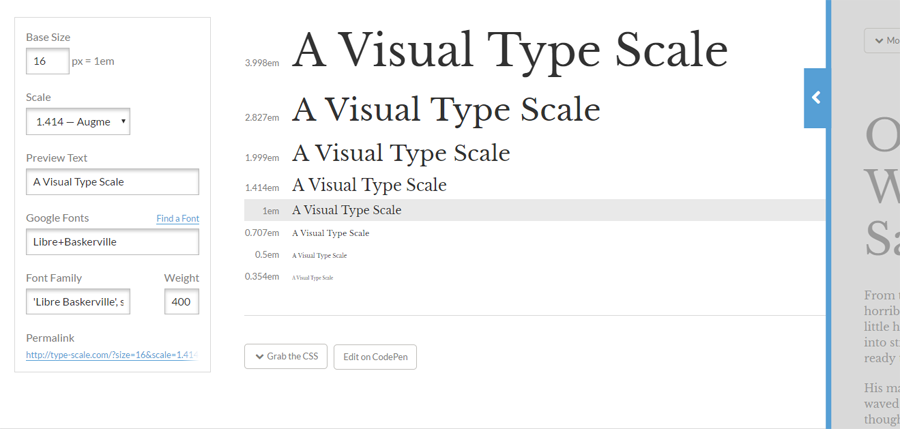
Type Scale is a visual typeface tool for UI designers where you can scale fonts and typefaces according to your website. It lets you preview the text using Google fonts and change the weight and font family to scale to a perfect fourth, minor third or golden ratio. The real time preview of the text size on the right column that allows you to see what it will look like on your screen. Type scale is a great UI tool for figuring out which font works best for your website.
Material Design Resizer 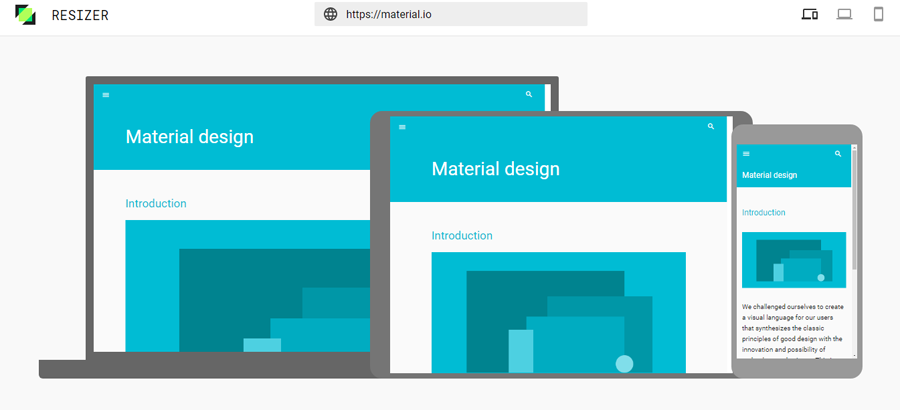
Material Design Resizer is a great tool for testing design on desktop, mobile, and tablet devices. To begin with, the resizer, type in your website and it will show you exactly as it looks across all devices. It's simple and effective. You can see all three screens on one screen. It saves you time and headache from switching screens or having to work on each one at different times. This UX tool helps with ease of use as you can navigate through all pages within each device.
Another feature easily switching from phone mode to tablet mode. In tablet mode, switch from portrait view to 720 or landscape at 1024.
UX Project Checklist 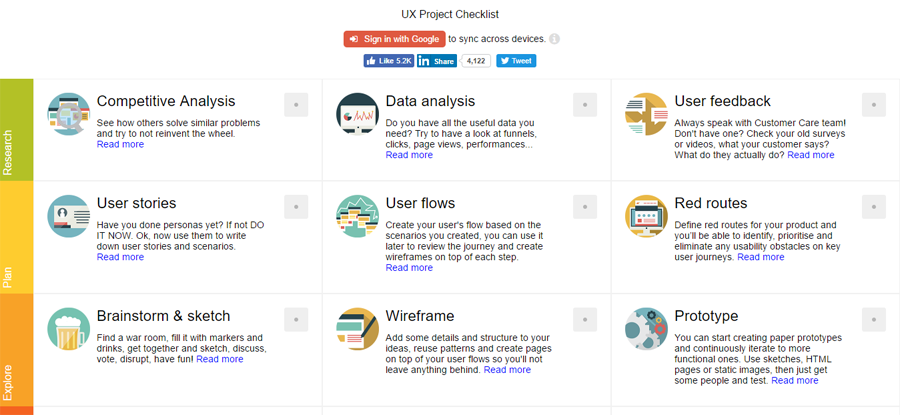
The UX Project Checklist is one of the most comprehensive online UX tools for UX designers.
The checklist is divided into 27 key sections:
It combines some parts of the buyer's journey into the development phases. In the Plan stage, it asks if you've done your buyer personas and created user flows. As designers, it's more important to know who you're designing for before actual development begins.
Web development can take months and with this checklist, you are sure to cover all the bases you need to finish a well-designed project.
You can also sync across all devices with a Google account.
Pttrns 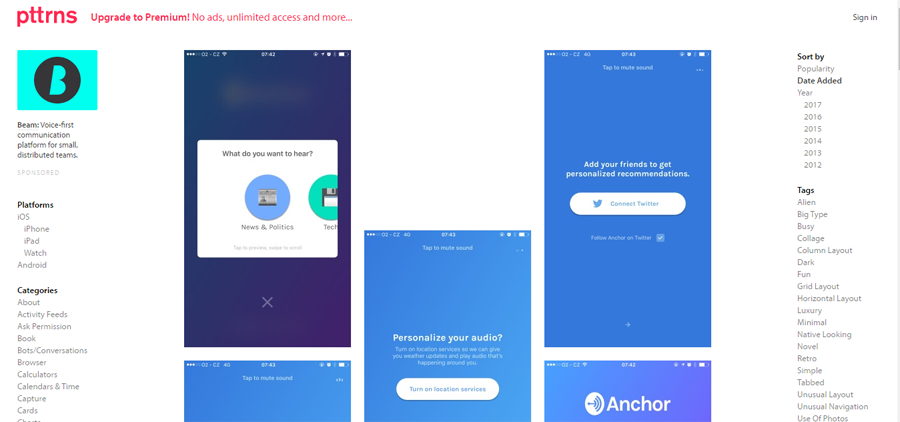
Pttrns is helpful when brainstorming designs on mobile. It's divided by mobile platforms: Android, iPhone and iPads, and Apple Watch. The categories section provides multiple choices for deciding how the mobile design should look. For example, for Airbnb, it shows their login page on the iPhone. This gives you an idea to design for comments, messaging, notifications, photos, sidebars, and a lot more within your mobile app.
When you click on a category, it shows a few design patterns you can implement on your mobile design. This is a great place to find ideas for your mobile development.
UserTesting 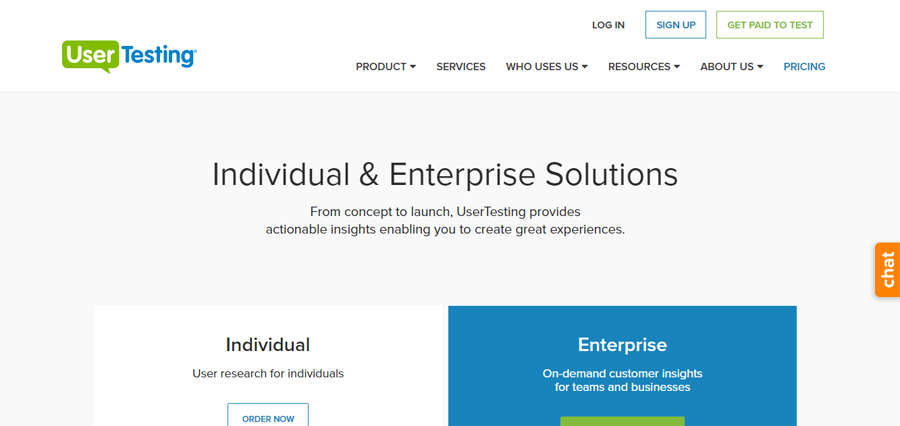
One of the most important development phases is user testing. UserTesting gives you good insight on strengths and improvements to your website.
UserTesting hires qualified applicants to test your website or app. With its individual plan, you can listen to the tester's thoughts and take that feedback to improve or strengthen components. On its Enterprise account, more features are given and provide a better way to enhance the user's experience. You get a project manager who helps with analysis and saves you time with researching and testing.
GoodUI 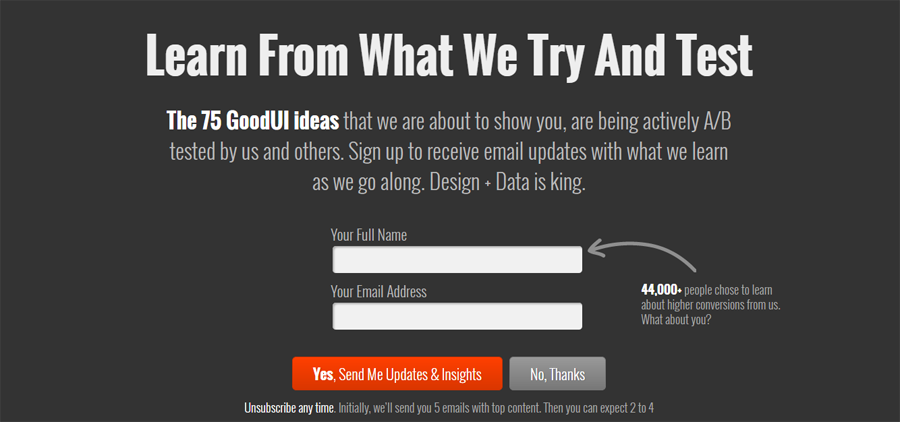
GoodUI has good UI. They A/B test designs that work and build upon that. Some of the advice GoodUI gives if having one column instead of multiple column layouts. It saves the user distraction from what's important.
They share and send you the latest UI tests they've done if you sign up to get updates. They'll give you measurable results from those tests and show you how to use them on your own.
Mocksplus 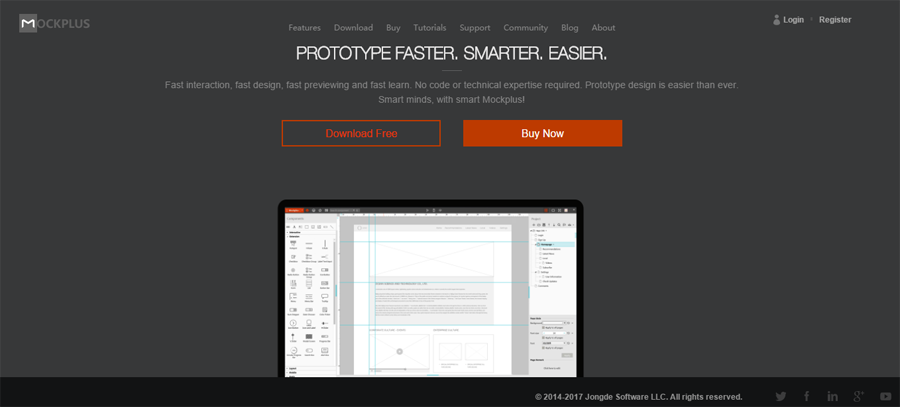
Mocksplus offers no coding promise with its drag and drop design. Design a lot faster with its easy learning curve and code-free design.
If you're looking to save time and still create good looking design, Mocksplus is the best tool for that. Whether you design on the screen is what you will see on your app or website.
Mocksplus is one of the best on the market and used by many UX and UI designers.
Marvel 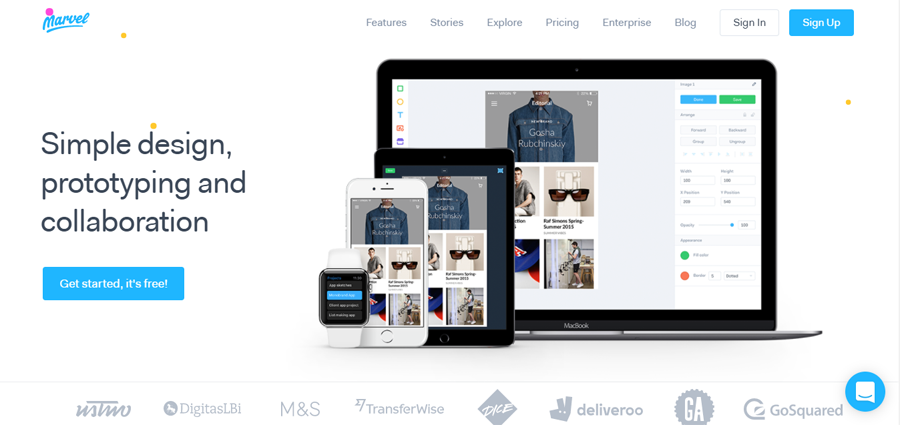
Marvel might be one of the easiest prototype design tools today. It's easy to use features lets you use transitions in your design, navigate through your app or website.
One of the best features about Marvel is its collaboration. You are able to comment on prototypes in real time, and share projects. Get feedback on your designs.
Some useful features are syncing with Google Drive or Dropbox, importing designs from Photoshop or Sketch, previewing sample prototypes with its play feature. All aspects of web development are made easy with Marvel.
Adobe Illustrator 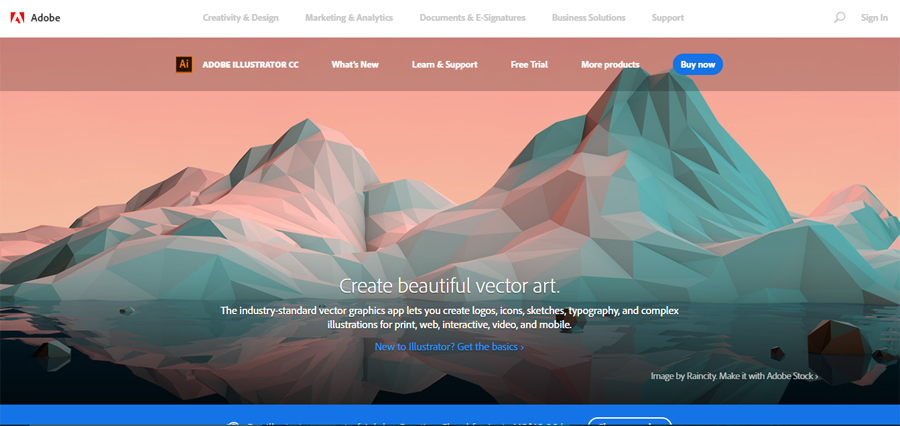
Adobe Illustrator is a free-form design tool used by many UI designers to create shapes, logos, and icons with its easy-to-use design. This vector graphic platform is the best way to create graphics for your website and add objects to photos.
It easily integrates with Photoshop and Stock to allow you to add graphics to images or templates. Illustrator is the best tool when beginning to create vector graphic art. The learning curve is simple and you'll spend no time learning even the most advanced features.
Sketch – available only on Mac 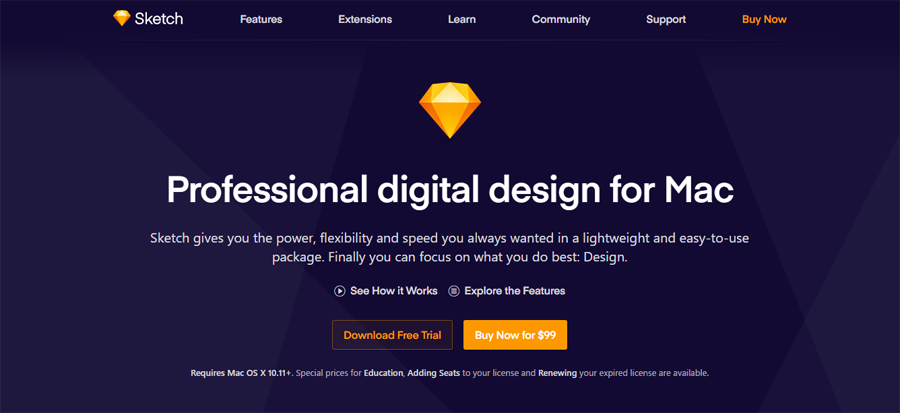
Sketch is a top digital design platform used by many designers. Sketch's features include Precision, the Inspector, Tools, Exporting, Native, and Mirror.
Create your designs using the Inspector, Sketch's place for sizing, blurring, and positioning, etc.. The Mirror feature combines all devices in real-time collaboration. If you create the design on your computer, you're able to look at the same design on your mobile device. This saves time and adds productivity to your day.
Final sayWeb design is always evolving with new products and ideas coming out every day. Some can be improved while others are always on top. Online software tools make it easier for designers to work more productively and cut time in half.
Which tools are you using? What are some of the best tools that aren't on this list?
Source: 10 Best Design Tools for UI/UX Designers

No comments:
Post a Comment